Getting started with Radish: the 3 settings to check before your first week
In short
Five minutes is enough: (1) fill in your profile to get a calorie goal that fits you, (2) connect Apple Health or Health Connect so steps sync automatically, (3) schedule a regular JSON backup so you never lose your diary. Nothing else is required to get started.
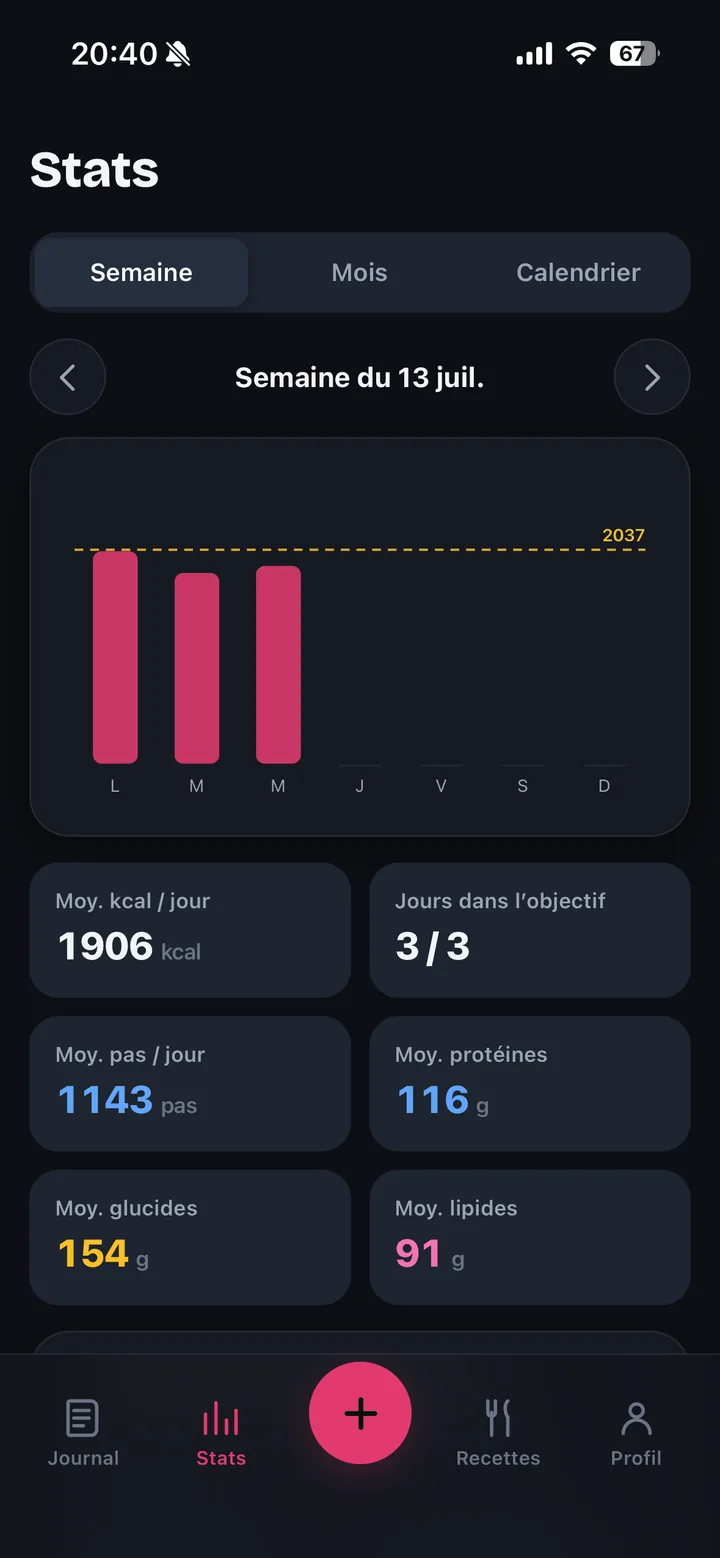
You just installed Radish, scanned a food or two, and now what? Unlike some apps, there's no account to create and no onboarding quiz to fill in. But three settings, handled once, genuinely change how the following weeks feel. None of them is required to use the app — you can skip all three and just log meals — but each one saves you a specific frustration later.
1. Fill in your profile for a fitting calorie goal
Without a profile filled in, Radish can't calculate a personalized calorie goal — it shows a generic reference point that ignores your weight, height, and activity level. Go to your profile and enter these details: the calculation updates automatically.
Two things to know before you type anything in:
- A safety floor exists, no matter how you set the goal (automatic calculation or manual entry): 1,200 kcal a day for a woman, 1,500 for a man, 1,400 if sex isn't specified. The app will never go below it, even if you try to force a lower number.
- For some profiles, no numeric goal is offered at all: under 18, unconfirmed age, or a declared pregnancy or breastfeeding. In these cases, the app lets you log meals normally and points you to a healthcare professional instead of showing a number.
This reference point isn't a prescription and doesn't replace advice from a healthcare professional. If counting calories doesn't work for you, the "Meal-free day" setting removes the goal and the reminders, without stopping you from continuing to log what you eat.
2. Connect Apple Health or Health Connect
Radish automatically pulls your step count from Apple Health (iPhone) or Health Connect (Android) — it's free, it's not part of the paid tiers, and the connection screen usually appears during installation or in settings. If you skipped it on first launch, you can turn it on anytime.
Nothing breaks without this connection: the food diary, Nutri-Score, and macros work exactly the same. But you lose the combined view of food and activity in one place, without re-entering anything by hand.
3. Schedule a regular JSON backup
Your diary stays on your phone — never sent to our servers (except AI or barcode scanning, if you use them). That's a privacy promise, but it also means something concrete: if you lose your phone, replace it, or accidentally uninstall the app, there's no cloud account that automatically restores your data for you.
The fix is already in the app, and it's free: a full JSON backup, re-importable at any time. Get in the habit of exporting it — to your own cloud storage (iCloud, Google Drive) for example — after your first week, then regularly. It's not automatic: it's something you do yourself, and once it's a habit, it takes seconds.
Haven't installed Radish yet?Diary, scanning, Nutri-Score. Free, no account, no card details.Get Radish →What you don't need to set up right away
To reassure rather than add tasks: you don't need to configure an API key, choose between Premium and Lifetime, or fill out a complete profile on day one. The core of the app (diary, barcode scanning, Nutri-Score, macros, micronutrients, recipes) works without any of these settings. If you want to understand what the paid tiers change before deciding, our guide Radish free vs Premium breaks down every feature.
What matters most: consistency, not day-one precision
A week logged imperfectly but consistently beats a week logged perfectly then abandoned. The three settings above make the app more accurate and safer; they don't replace the habit of logging your meals, day after day. That consistency, not the initial setup, is what makes the difference over time.
Frequently asked questions
Do I need to create an account to set these up?
No. Radish has no user account. The profile, health connection, and backup are all set up directly inside the app, with no email or password.
Who decides my calorie goal?
The goal the app suggests is a reference point calculated from your details, for a general adult population. It stays editable by hand, but not below a safety floor: 1,200 kcal a day for a woman, 1,500 for a man, 1,400 if sex isn't specified. For a profile under 18, an unconfirmed age, or a declared pregnancy or breastfeeding, the app shows no numeric goal at all. This reference point isn't a prescription and doesn't replace advice from a healthcare professional.
Is connecting Apple Health or Health Connect a paid feature?
No, it's part of the app's free core, along with the diary, scanning, and the Nutri-Score.
What happens if I skip all three settings?
Nothing breaks. You can use Radish just to log meals, with a generic goal and no health connection. These three settings improve the experience; they aren't required.
How do I recover my data if I switch phones?
Export a JSON backup from the app's settings, keep it in your own storage (iCloud, Google Drive…), then re-import it into Radish on your new phone.
Three settings, five minutes, and the rest comes down to consistency. nutri-track.fr sends you to the right store.
Sources. Calorie goal safety floors and exclusion cases (minors, pregnancy, breastfeeding): Radish FAQ page, reviewed under Radish's health-content sourcing methodology. JSON backup and Apple Health / Health Connect sync: FAQ and About pages.
General information, not medical advice.
Ready to try Radish?Diary, scanning, Nutri-Score, free with no account.Get Radish →Prefer the installed app? Get Radish on iPhone or Android →